
Manual
-
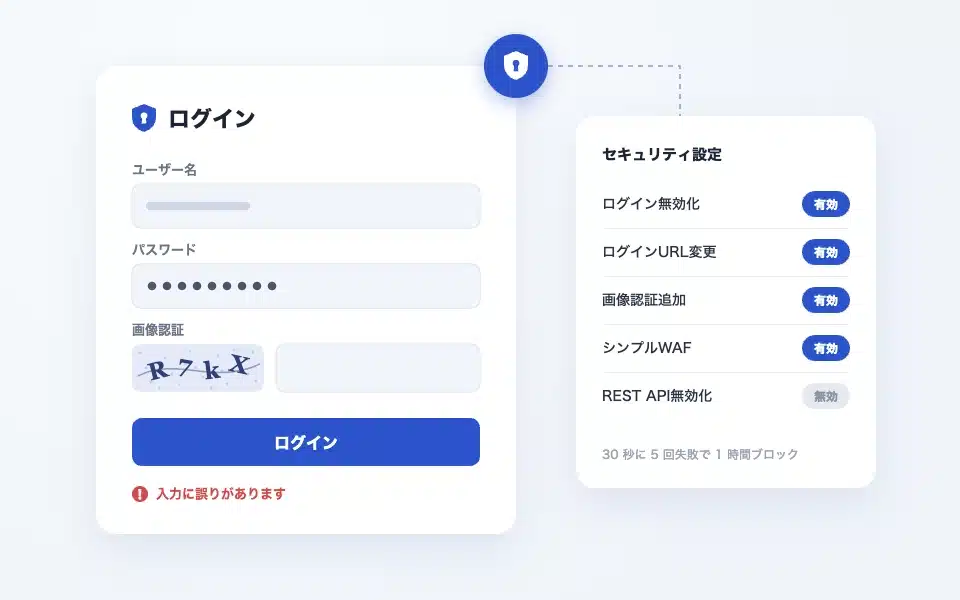
CloudSecure WP Security settings and reasons
This site introduces the settings of CloudSecure WP Security, which I am actually using, with screenshots. It also shows how to turn on and off each feature…
-
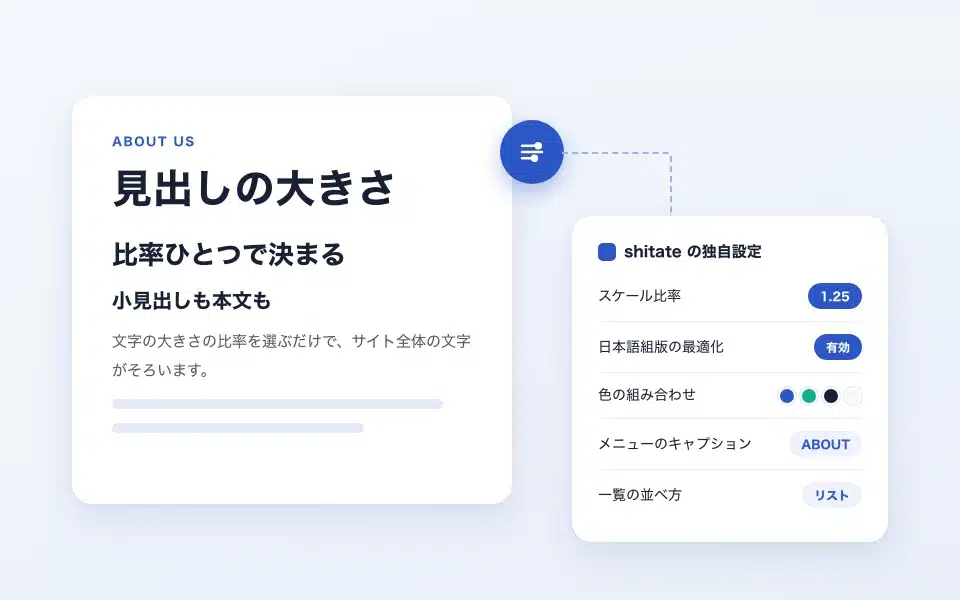
shitate Custom settings for the theme (what you can do with a free theme)
shitate(ShitaTe) has shitate unique settings that are not found in other themes. On this page, you can find a free theme …
-
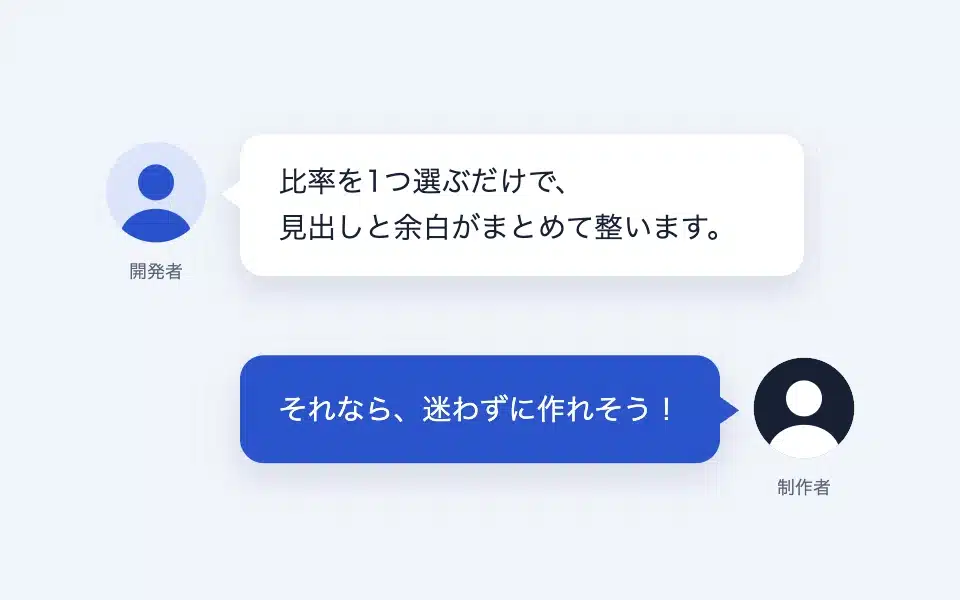
How to use the Speech Bubble block
A block that creates conversational-style expressions using the avatar's name and caption. It includes settings for the avatar's position, background color, and text color, as well as CSS variables for the entire site...
-
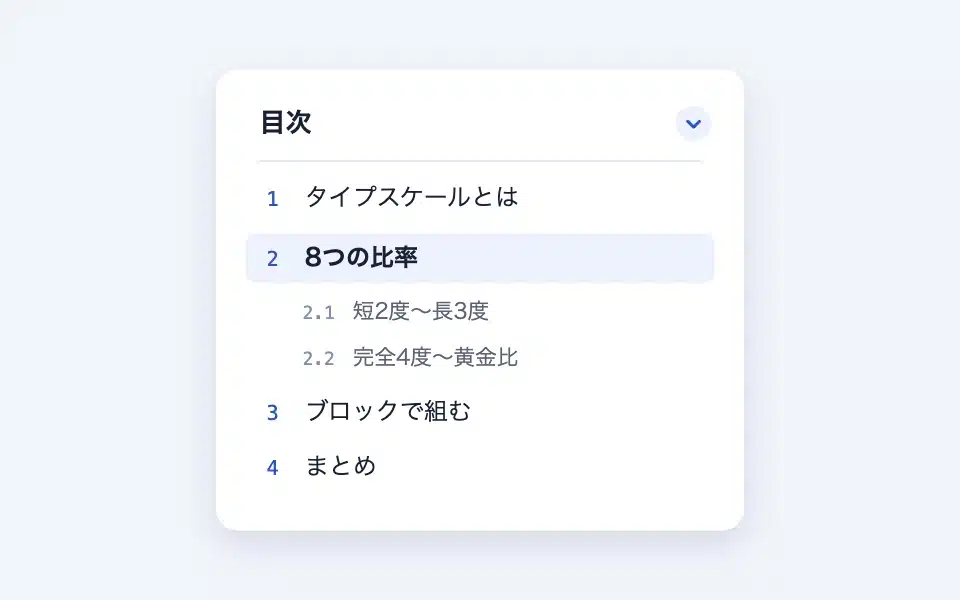
How to use the Table of Contents block
A block that automatically creates a table of contents from the headings within the page. Settings for heading levels, numbers/dots/open/close structure, anchor mechanism, smooth scrolling…
-
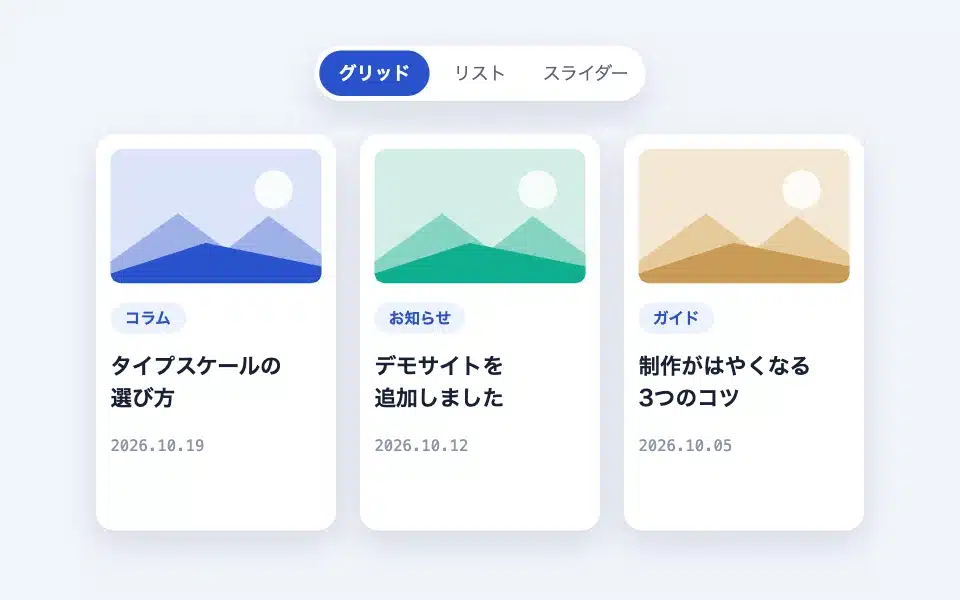
How to use the Flexible Posts (post list) block
An article listing how to switch between the grid and slider depending on the device. Query settings, display settings, card settings, the number of columns varies with the screen width, sb_…
-
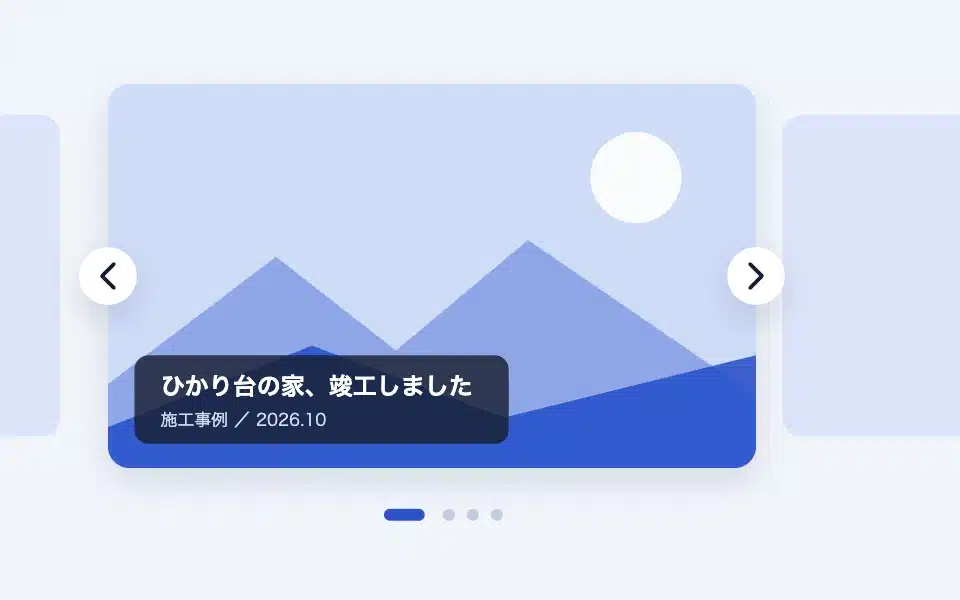
How to use the Slider block
A Splide-made slider with 3 types of blocks/media/logos. Settings for each type, slide background and overlay…
-
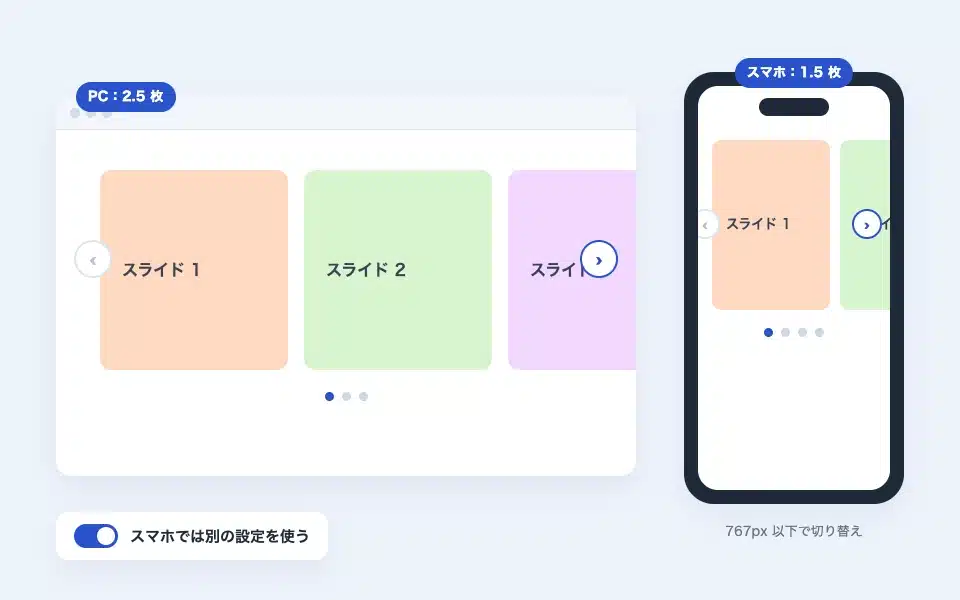
Settings for different smartphones for sliders (change the number of slides and arrows on PC and smartphone)
With the slider block, you can use a different setting (such as the number of images displayed at the same time, autoplay, arrows, dots, etc.) only for smartphones with a screen size of 767px or less…
-
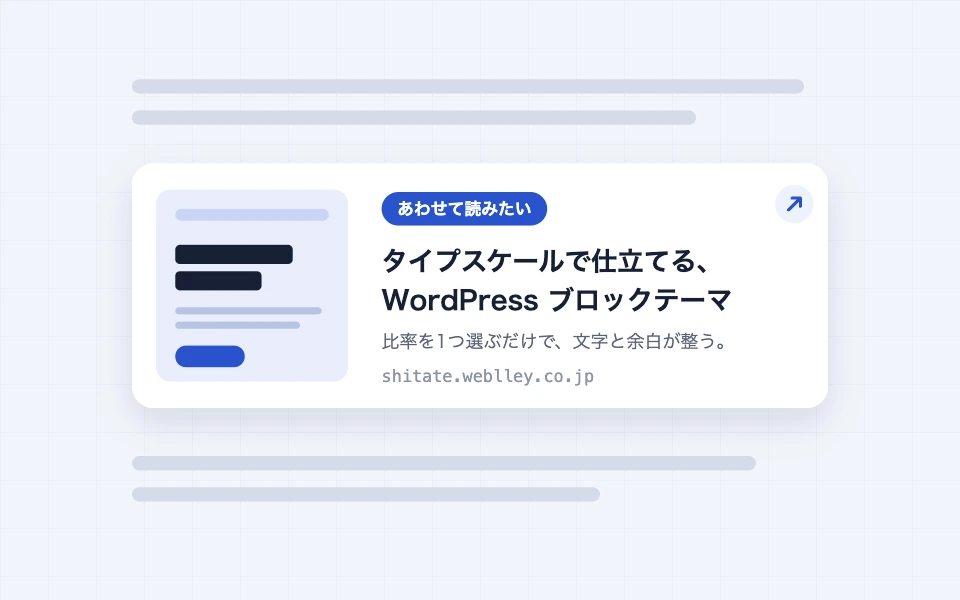
How to use the Blog Link block
A block that creates a link card from the title, description, and image (OGP) of the destination URL by simply entering the URL. Label switching, display switching, retrieval…
-
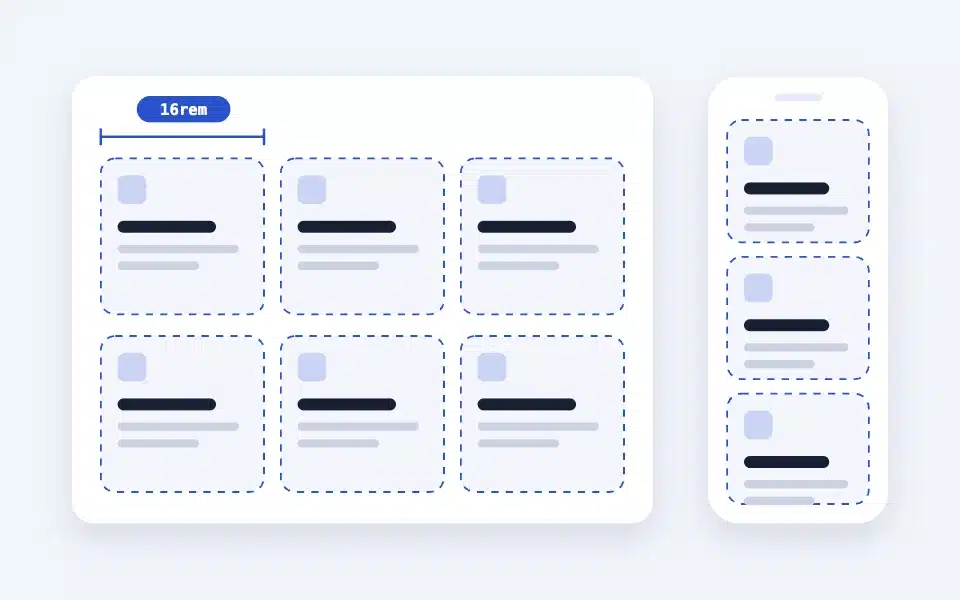
How to use the Layout (+ Box) block
A responsive grid without breakpoints. It automatically resizes to just the "minimum width of a single column," links each box together, and even adds a background...
-
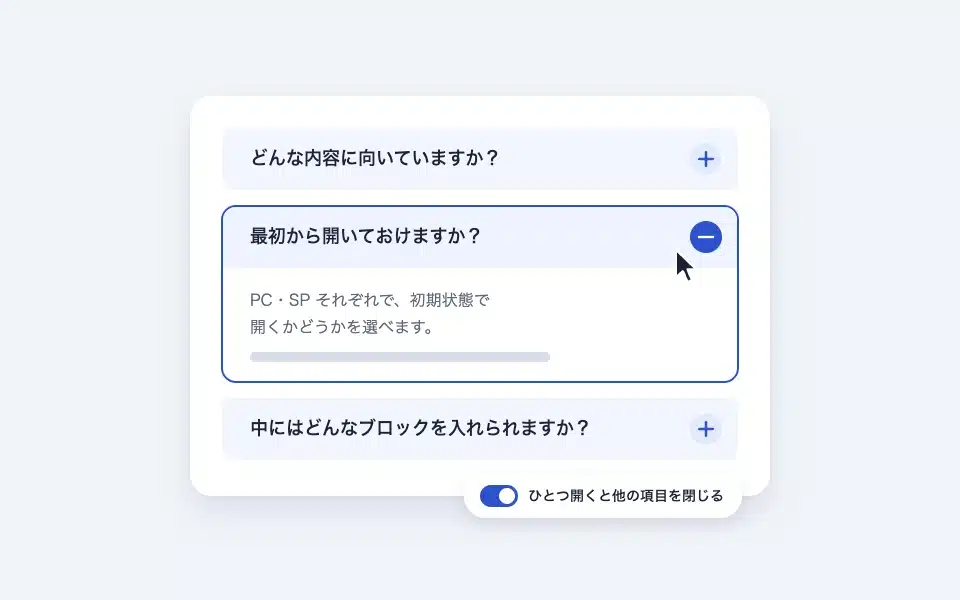
How to use the details (accordion) block
An opening/closing block using native details/summary. Initial state for PC/smartphone: "Open one to close the other..."
-
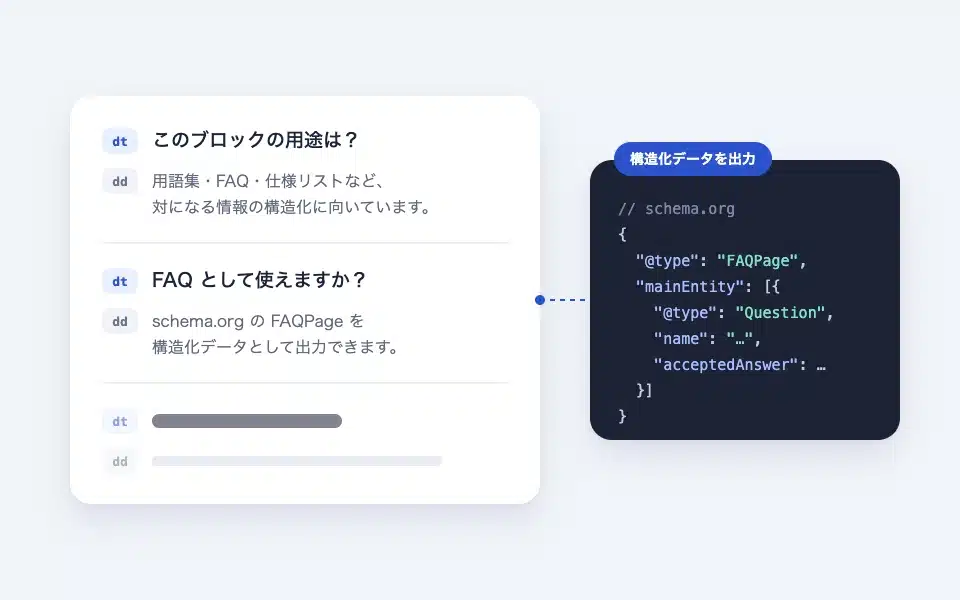
How to use the dl (description list / FAQ) block
An explanation list that structures information based on the terms (dt) and explanations (dd). It can be used as an FAQ in schema.org FAQPag…
-
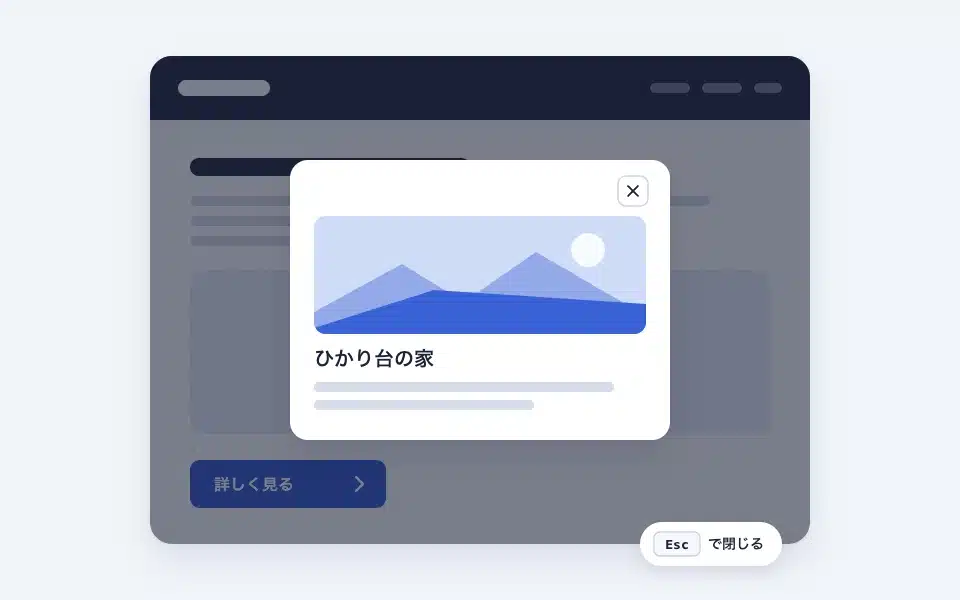
How to use the dialog (modal) block
A block that, when pressed, opens a modal in a native dialog. Button text, style, size, placement, arrow, modal...
-
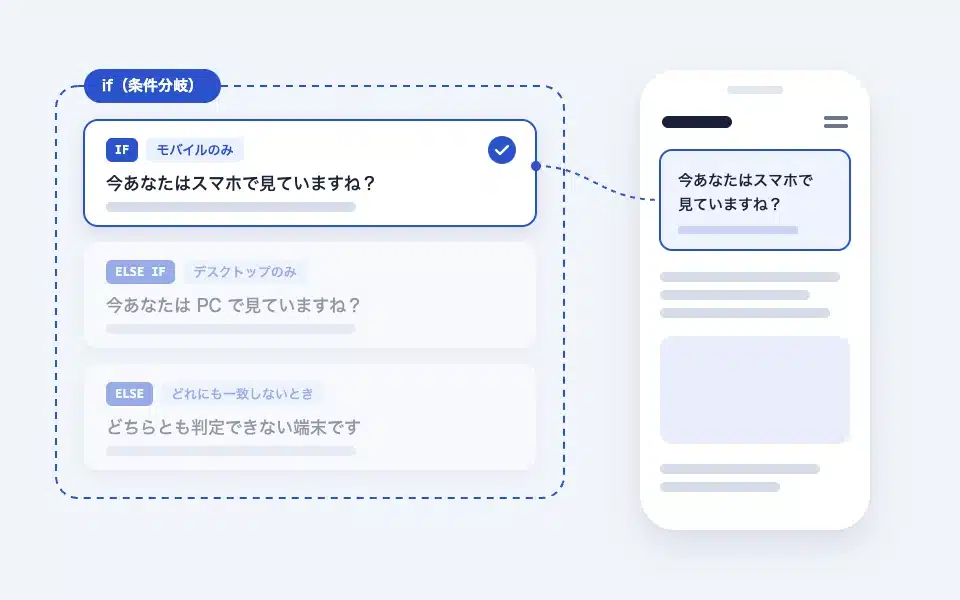
How to use the if (conditional) block
A block that displays the results using if / else if / else. Page type, post type, taxonomy, login status…
-
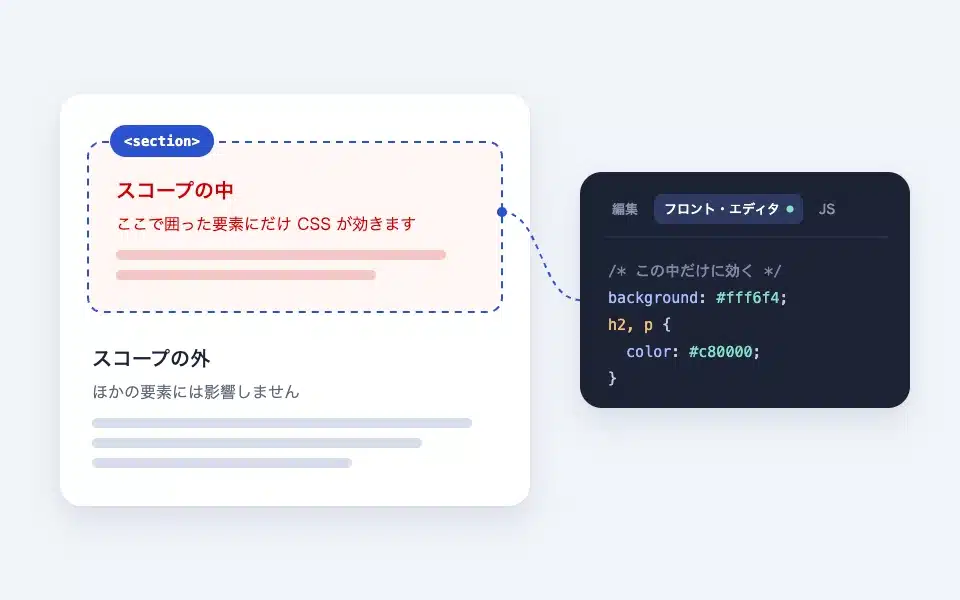
How to use the scope (scoped CSS/JS) block
A group-like block where you can select which HTML tags to surround. Scope CSS only works within this block (front editor/front…
-
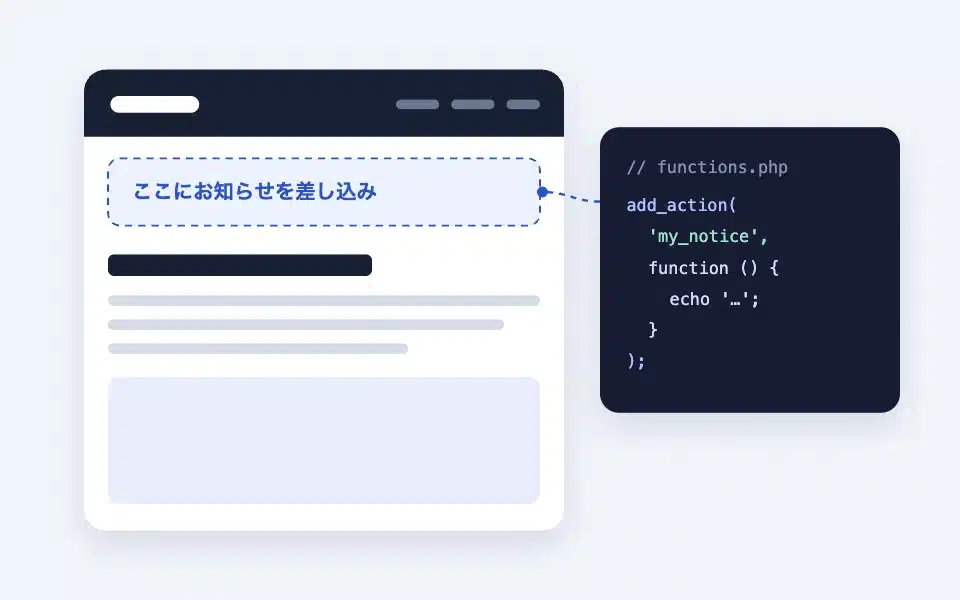
How to use the Action Hook block
An advanced block that inserts PHP output or the contents of the field blocks into the block’s position. How to choose a hook name, fields…
-
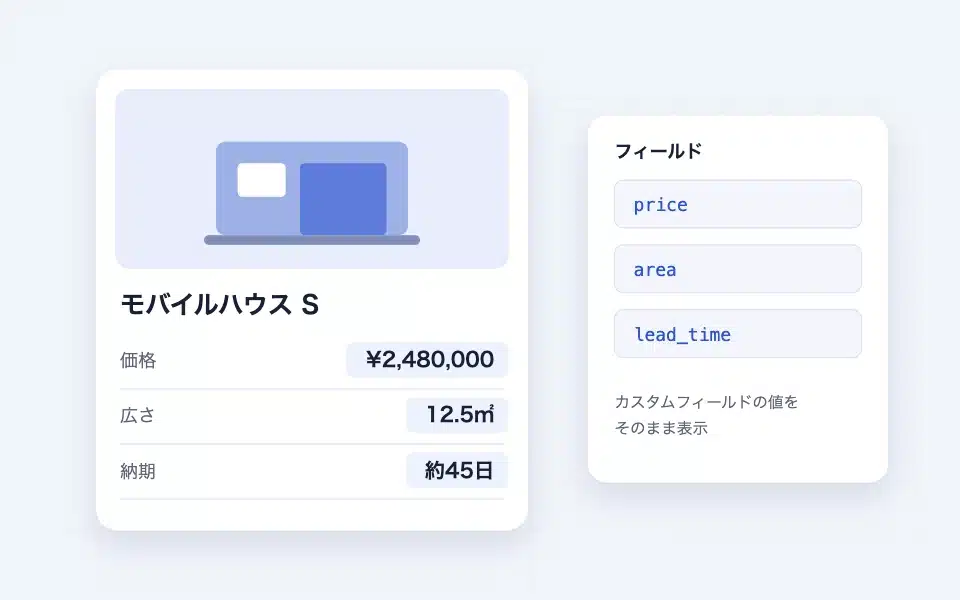
How to use the Field block
It doesn't appear in the scene; it's a "named container" that outputs the content to the same location as the action hook with the same name. How to name it, query looping versus...
-
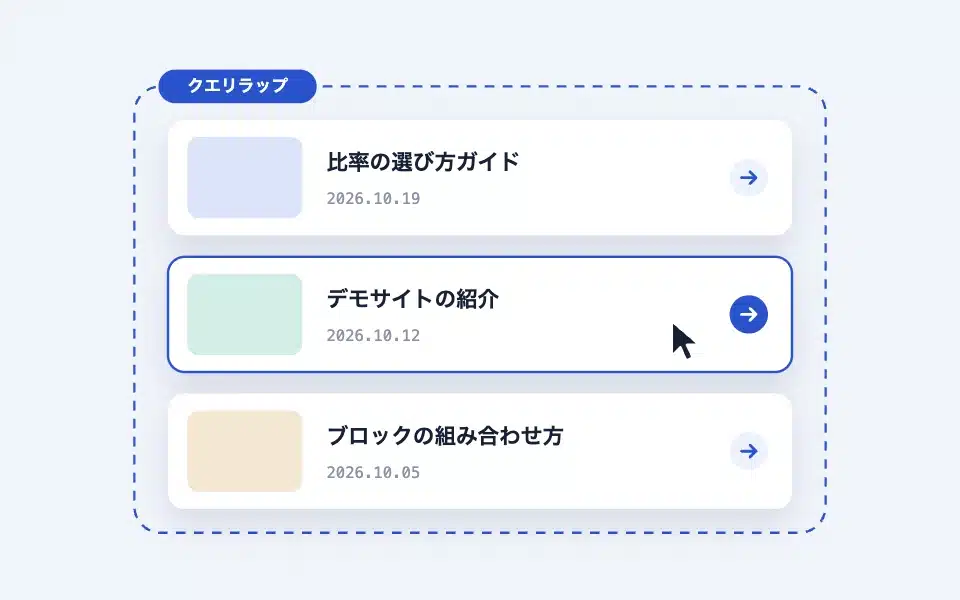
How to use the Query Wrap block
An accessible card block that can be used within WordPress standard query loops. It clicks the entire card into a clickable area, while retaining the real link...
-
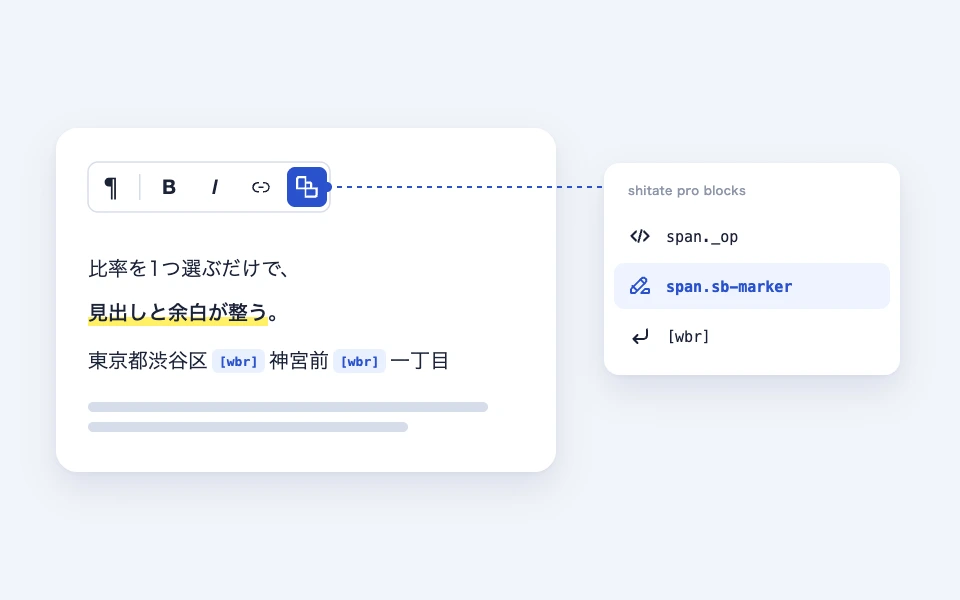
How to use the text toolbar (span-wbr)
A shitate dedicated button that is added to the toolbar for paragraphs and headings. Markers (span.sb-marker) and free spans (…
-
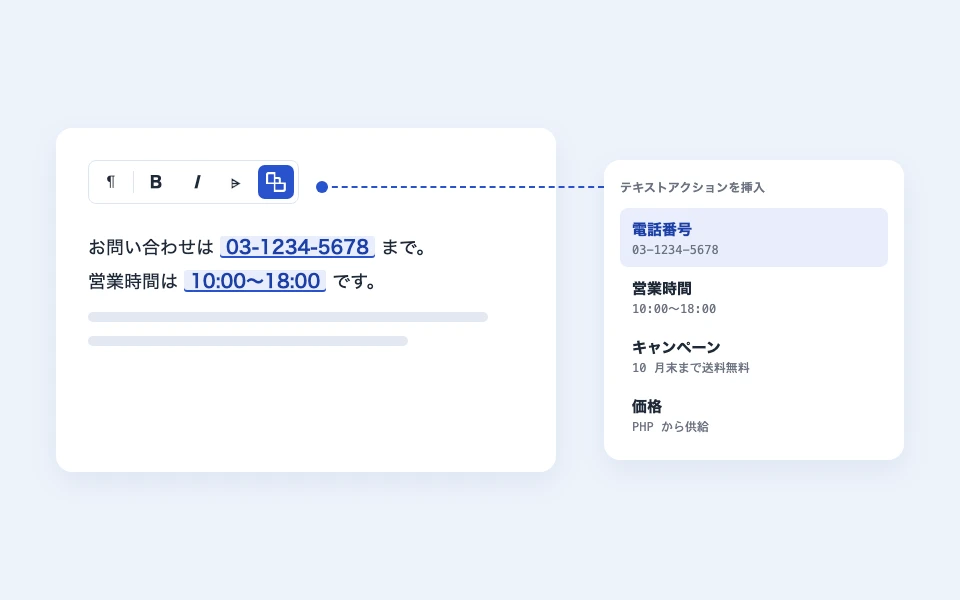
How to use text actions (common strings)
It is a mechanism that registers the names of frequently used strings and calls them from the editor’s text. Only references are stored in the body, and if the settings are changed, the…
-
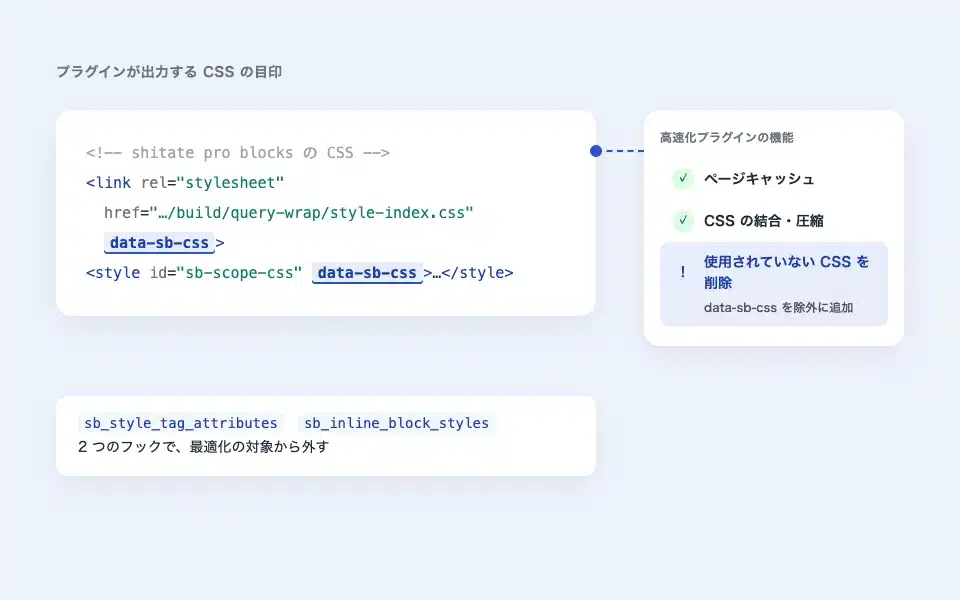
Used in conjunction with the Acceleration plugin (exclusions such as removing unused CSS)
When optimizing the CSS rebuild feature (like WP Rocket's "Delete unused CSS"), it breaks @scope...