
About blocks
-
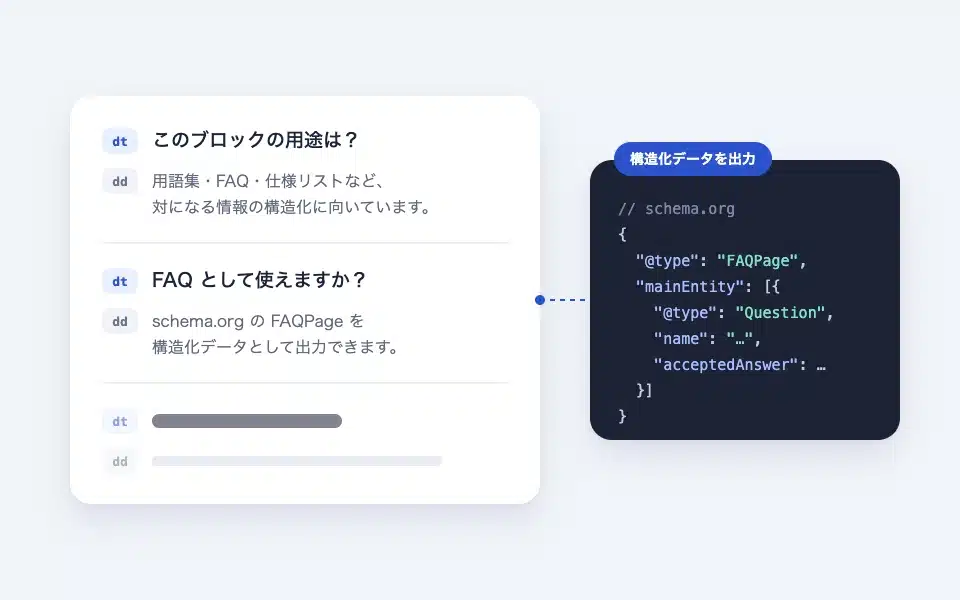
How to use the dl (description list / FAQ) block
An explanation list that structures information based on the terms (dt) and explanations (dd). It can be used as an FAQ in schema.org FAQPag…
-
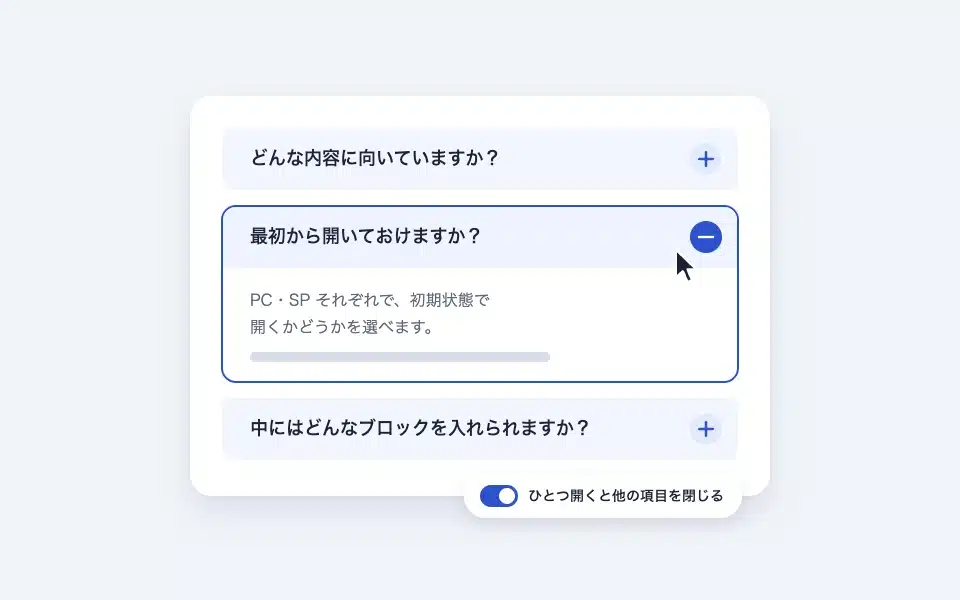
How to use the details (accordion) block
An opening/closing block using native details/summary. Initial state for PC/smartphone: "Open one to close the other..."
-
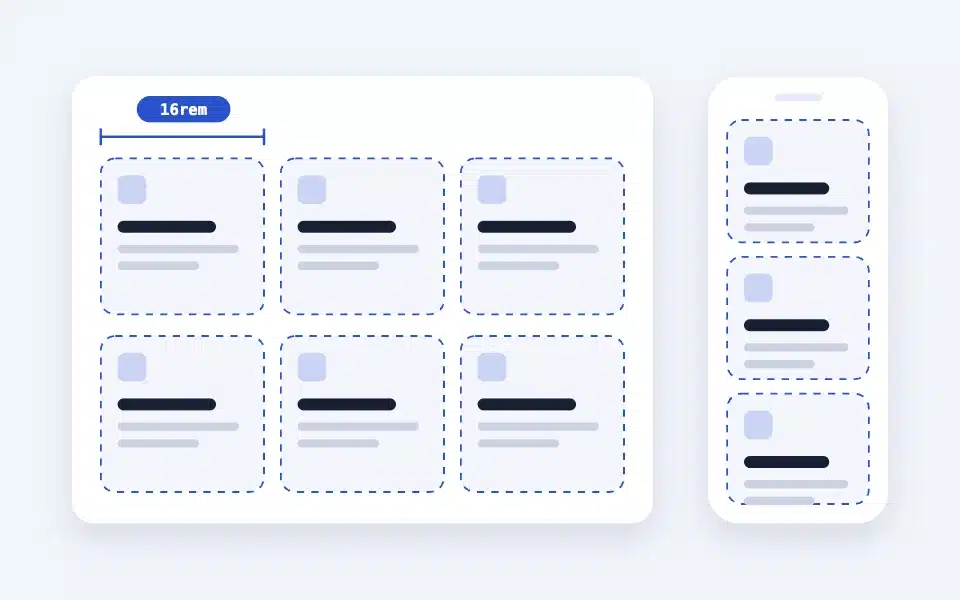
How to use the Layout (+ Box) block
A responsive grid without breakpoints. It automatically resizes to just the "minimum width of a single column," links each box together, and even adds a background...
-
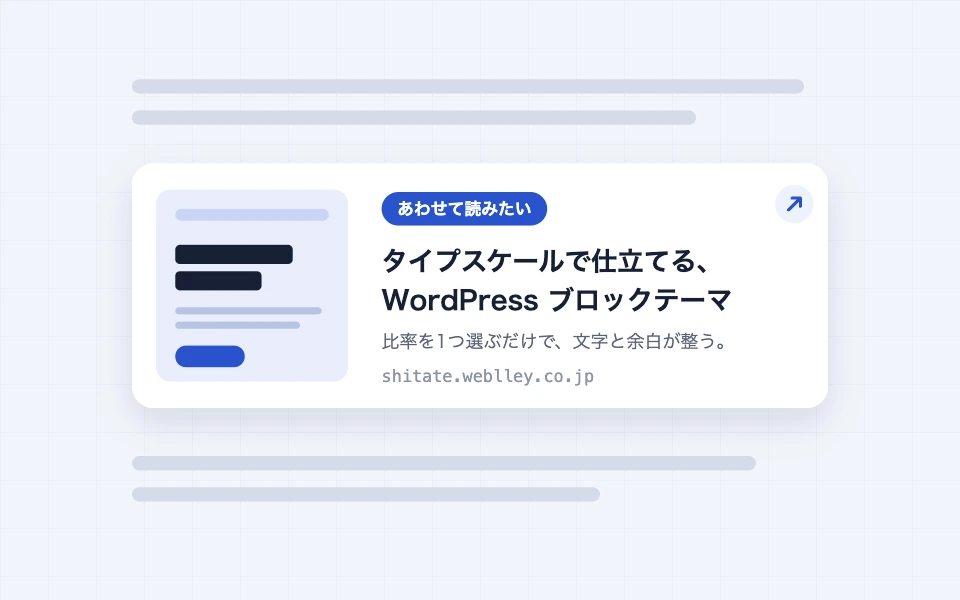
How to use the Blog Link block
A block that creates a link card from the title, description, and image (OGP) of the destination URL by simply entering the URL. Label switching, display switching, retrieval…
-
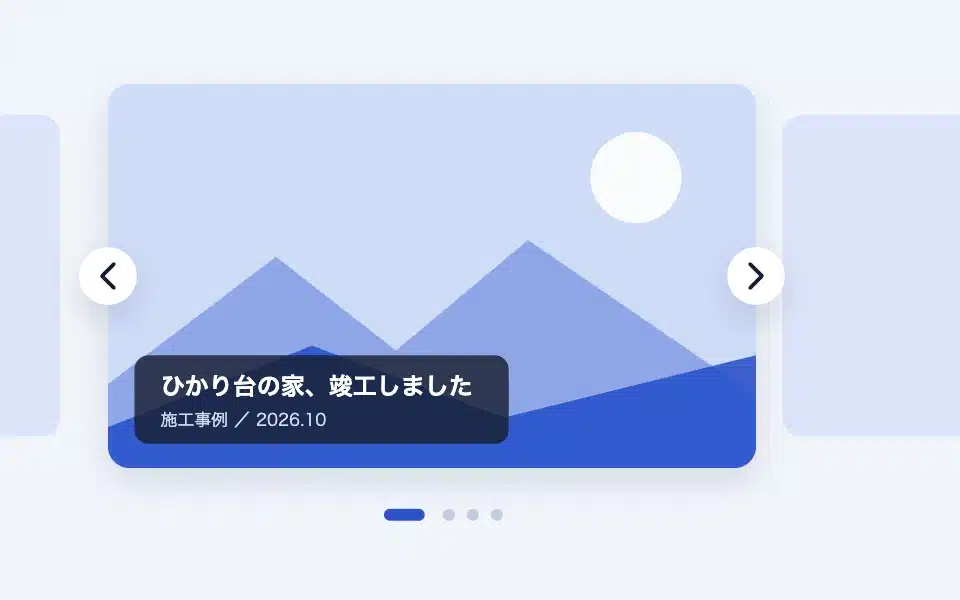
How to use the Slider block
A Splide-made slider with 3 types of blocks/media/logos. Settings for each type, slide background and overlay…
-
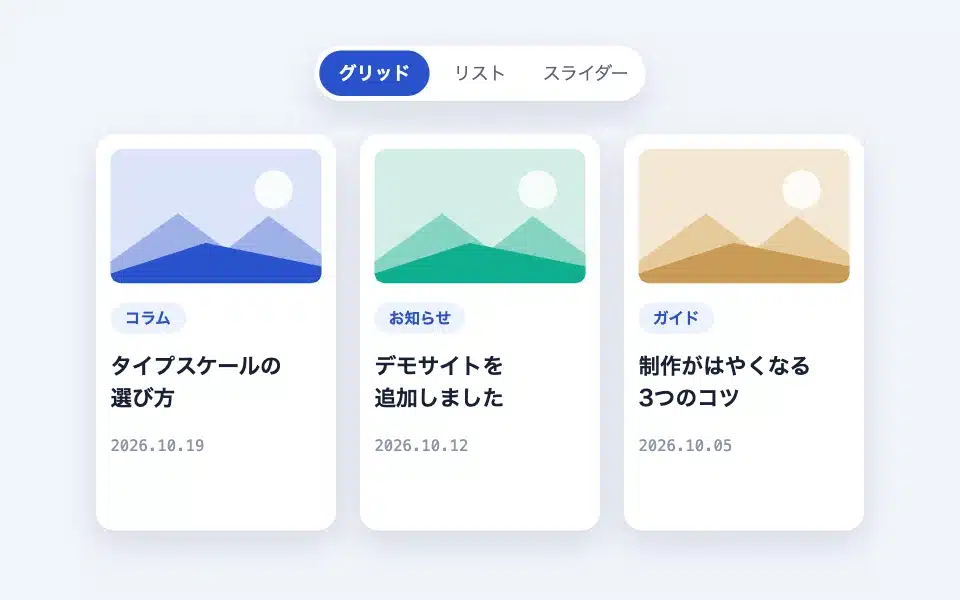
How to use the Flexible Posts (post list) block
An article listing how to switch between the grid and slider depending on the device. Query settings, display settings, card settings, the number of columns varies with the screen width, sb_…
-
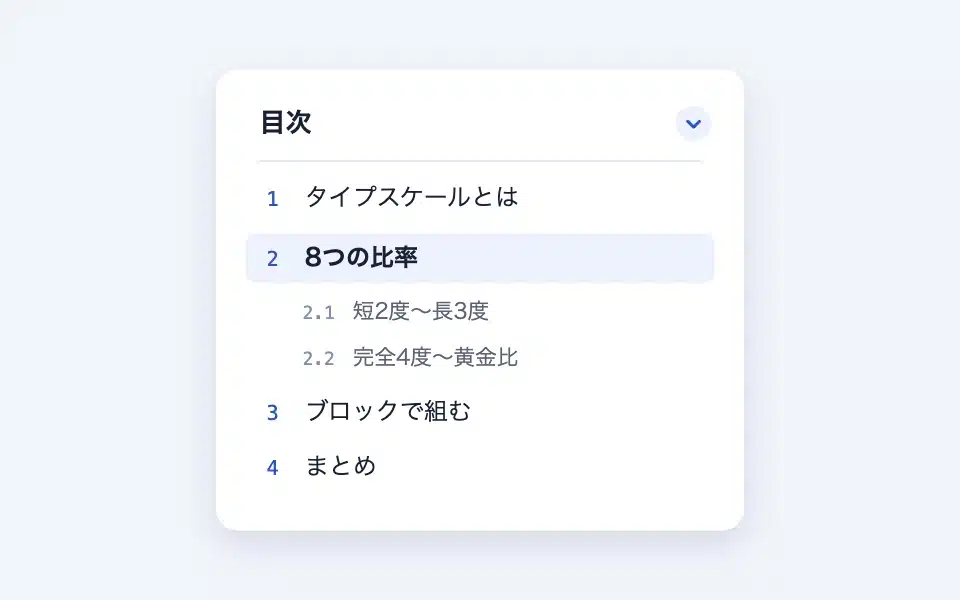
How to use the Table of Contents block
A block that automatically creates a table of contents from the headings within the page. Settings for heading levels, numbers/dots/open/close structure, anchor mechanism, smooth scrolling…
-

How to use the Speech Bubble block
A block that creates conversational-style expressions using the avatar's name and caption. It includes settings for the avatar's position, background color, and text color, as well as CSS variables for the entire site...