
List of articles
-
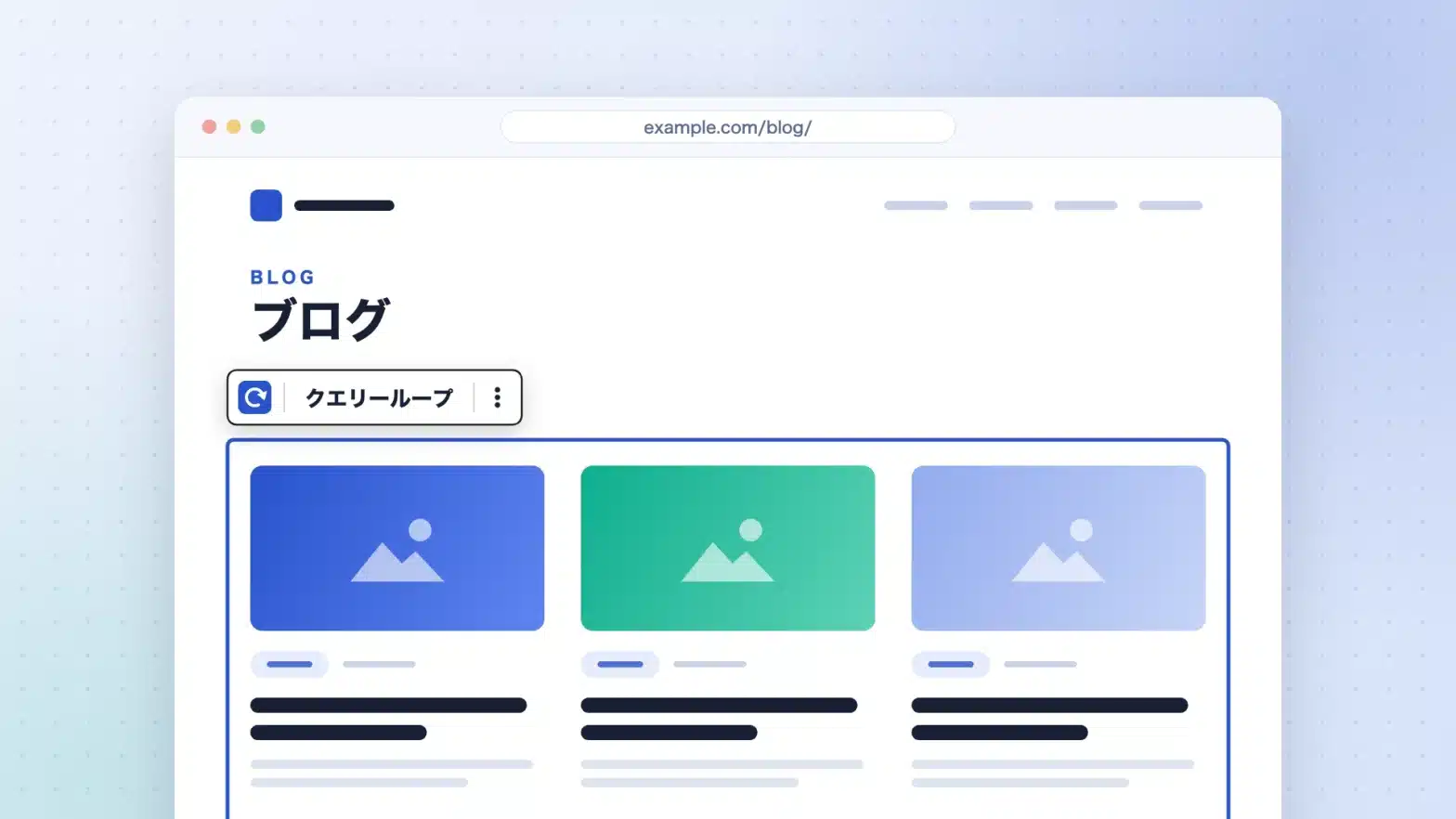
Displaying the post list in a fixed page — Three ways with the block theme
How to display a post list on a fixed page in WordPress is specified in the post page and query loop block...
-

shitate pro blocks 1.8.0 has been released
Changes in update 1.8.0. Fixes in 1.8.1. Additions in 1.8.2. Requirements for operation WordPr…
-
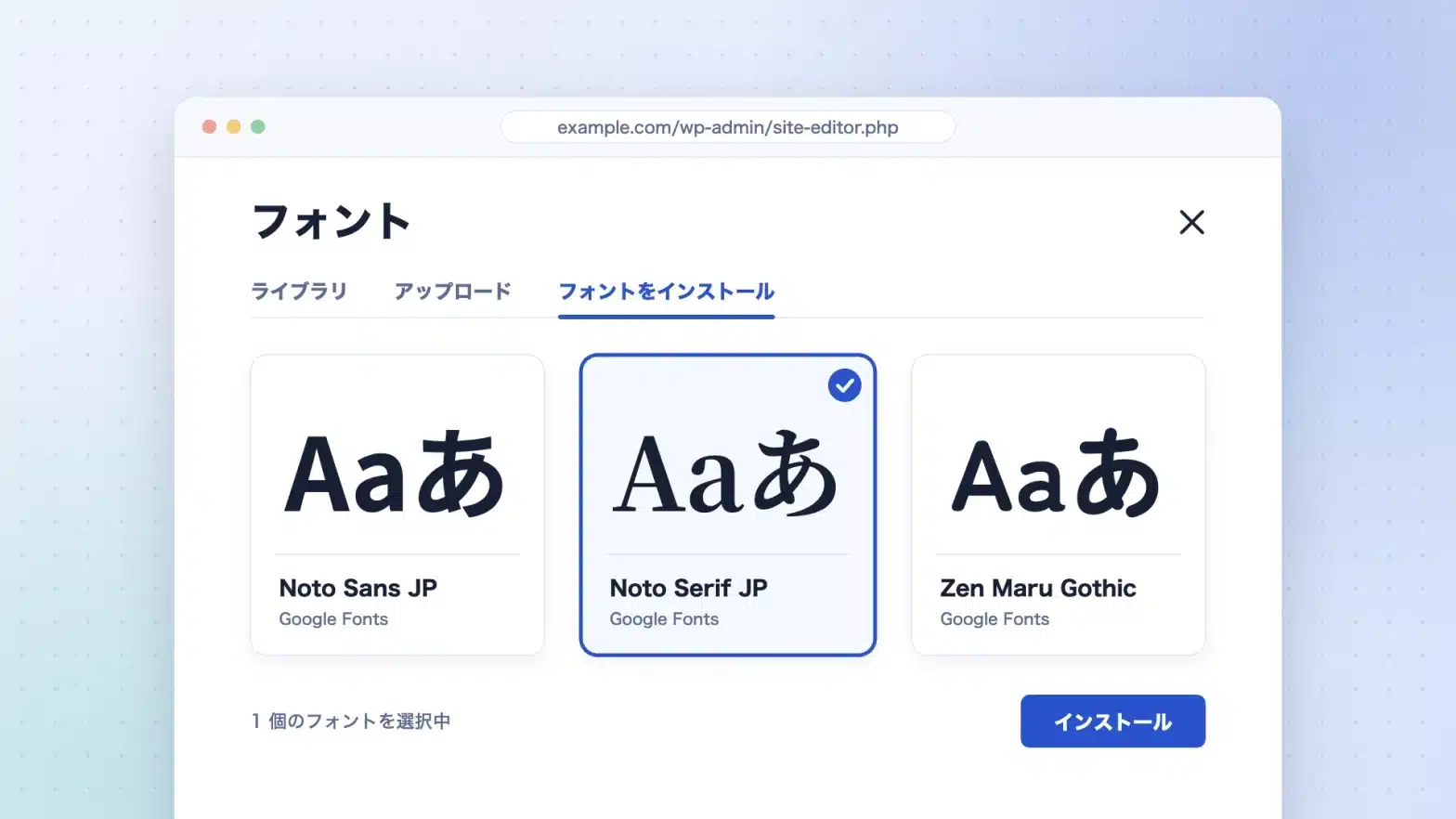
Changing the font in WordPress — How to choose it in a block theme
Changes to the fonts in WordPress are made in the font library, style.json, and CSS...
-
Custom Fields Not Displaying — Causes and Solutions for Block Themes
The reason why custom fields are not displayed in WordPress is that they are not displayed in the edit screen or in the published page...
-
How to Use AI in WordPress: The Current State of the Official Abilities API, MCP Adapters, and AI Plugins
To utilize AI in WordPress, there are three components provided by the official team (Abiliti…
-

What is a Block Theme — The differences from classic themes, from the perspective of those switching
For those of you who are using the Classic theme and are interested in the Block theme. theme.json・HTML …
-
shitate pro blocks 1.7.0 has been released.
Updates include 1.7.0 additions, changes, and fixes. 1.7.1 1.7.2 Requirements for operation Theming and platform...
-
shitate pro blocks ver1.6.0 has been released.
If you turn on "open with opening mechanism" in the table of contents, a toggle for "opening in initial state" will appear below (default on, existing buttons...
-

We have released shitate version 1.0.0.
shitate pro blocks Theme for shitatethe release of ver1.5.0...
-
We have released shitate pro blocks version 1.5.0
An extension block that you can use with any theme, not just the "WordPress shitate" theme…