

The phrase "You can build a website with AI" is now seen everywhere. Many of you have probably tried it and felt that while the draft comes out quickly, you get stuck from there onward.
In this article,What the official WordPress team currently provides for using AII will organize this. Instead of introducing individual services, we will look at the mechanisms built directly into WordPress itself (the Abilities API, MCP adapters, and the official AI plugin) sequentially, relying solely on primary sources. Following that, I will write about the areas that tend to break when delegated to AI, and how to build the foundation to prevent that.
All the facts covered in this article are sourced directly from the official WordPress documentation and plugin directory. September 22, 2026confirmed with. At the time of confirmation, the latest version of WordPress was 7.1.1 It was.
How far along is "building a website with AI" right now?
Let's clarify our current location first. As of September 2026,We have not reached the stage where a site is completed with a single instruction.On the other hand, when breaking down the production and operation processes,The distinction between what AI is clearly good at and what it is not has become quite clear.
| Engineering | Easy to leave to AI | Humans should decide |
|---|---|---|
| Design | Draft of the structural proposal, listing of pages | What to sell, who to target |
| Design | Proposing color scheme and font size ratio options | Final decision and rules for application to all pages |
| Article | Drafting, summarization, paraphrasing, translation | fact-checking, proper nouns, numbers, attribution of responsibility |
| Implementation | Code generation for templates and styles | Deciding how much to solve with code |
| Operation | Generation of excerpts, alt text, and meta descriptions | Whether to make public |
As long as the right side of this table continues to remain, AI is not "something that replaces the creators," but ratherA tool to quickly shape what has been decidedIt is realistic to treat it as such. And what WordPress officially provides is precisely the plumbing for this "rapid prototyping."
Three components provided by the official WordPress
WordPress has AI teamThere is an official contributor team like that, and AI-related development is progressing there (Make WordPress AI), which uses as its starting point the one released in July 2025, "AI Building Blocks for WordPress" concept.
Of the deliverables created from that, the following three are actually usable now. We will look at them in order.
Part 1: Abilities API — Making WordPress features readable by AI
The Abilities API is an API that was introduced into core in WordPress 6.9.(Source:Abilities API in WordPress 6.9 – Make WordPress Core), the functions possessed by plugins, themes, and the core,central ledger registered in a machine-readable fixed formatIt is easy to understand if you think of it that way.
An "ability" is a self-contained unit consisting of a set of inputs, outputs, execution permissions, and execution details. JSON Schema is used to validate the inputs and outputs. Here is an illustration of how registration works.
wp_register_ability( 'my-plugin/get-latest-posts', array(
    'label'               => __( '最新の投稿を取得する', 'my-plugin' ),
    'description'         => __( '公開済みの投稿を新しい順に返します。', 'my-plugin' ),
    'input_schema'        => array(
        'type'       => 'object',
        'properties' => array(
            'count' => array( 'type' => 'integer' ),
        ),
    ),
    'output_schema'       => array( 'type' => 'array' ),
    'execute_callback'    => 'my_plugin_get_latest_posts',
    'permission_callback' => function () {
        return current_user_can( 'read' );
    },
) );
What is important here is permission_callback It is.Even when called by AI, WordPress permission checks remain fully active.Instead of "giving AI free rein over the admin panel," the design is structured to "register operations that are permitted to be handed over to AI one by one, with specific permissions."
This API has been updated since then,Abilities API added to the client side (JavaScript side) in WordPress 7.0and (Source)、Further improved in 7.1is done (Source). For reference, see Abilities API in the Common APIs Handbook It is in.
Part 2: MCP Adapter — Controlling WordPress from an AI Assistant
Even if the Abilities API can create a ledger, it's meaningless unless it's in a format that external AI assistants can read. What bridges that gap is MCP AdapterisSource: From Abilities to AI Agents: Introducing the WordPress MCP Adapter – WordPress Developer Blog)。
MCP (Model Context Protocol) is a common specification that enables AI assistants to discover and invoke external tools. An MCP adapter is,Translate abilities registered in WordPress into MCP format.It takes on a role. This allows the corresponding AI assistant to list "what operations can be performed on this site" and call them directly.
This is where,WordPress MCP や Claude Code WordPress This is the content of the section that people are searching for using terms like these.However, as of this writing (September 22, 2026), the MCP adapter is currently under review for inclusion in the WordPress.org plugin directory.(Make WordPress AI (according to the text). Development is github.com/WordPress/mcp-adapter We're making progress. It's not something you can just put on the live site right away,the stage of trying it out first on local or stagingIt is reasonable to think that.
Part 3: Official AI Plugin — Complete Everything Within the Admin Screen
Third,"AI" plugins where WordPress.org itself is listed as the authoriswordpress.org/plugins/ai/). The information as of September 22, 2026, is as follows:
| Author | WordPress.org |
| Version | 1.3.0 (Last updated August 18, 2026) |
| Publication | 2025-12-02 |
| active installation | 50,000 or more |
| System Requirements | WordPress 7.0 or later / PHP 7.4 or later (Tested with 7.1.1) |
It is described as “a combination of the AI Client library and the Abilities API,” andBoth a usable tool and a reference implementation for developersHowever, it is positioned as having them. Among the publicly available features, here are the ones that seem useful for production and operation.
- Abilities ExplorerRegistered abilities can be listed and executed from the management screen.
- Alt Text Generation: Generate alternative text for images (improve accessibility)
- Excerpt Generation / Meta Description GenerationPropose drafts for the excerpt and meta description. The latter will integrate with the SEO plugin.
- Content TranslationTranslate paragraph and heading blocks, and optionally the title.
- Content ClassificationSuggest tags and categories that match the content
- Editorial Notes / Editorial UpdatesLooking at the text block by block, I can provide feedback from the perspectives of accessibility, readability, grammar, and SEO, and also apply the changes.
- Connector ApprovalsRequire explicit administrator approval before plugins or themes use AI connectors
- Key EncryptionEncrypt AI provider API key upon saving
- Experiment FrameworkA mechanism to individually enable only the features you want to use
What I want to draw attention to is Connector Approvals と Key Encryption is. Not only adding features,Controls such as "preventing unauthorized AI usage" and "not storing keys in plain text" are also provided at the same time.I think those points are significant when making business decisions.
The official AI features are designed for the block editor.
Here is one condition that is often overlooked. The description of the official AI plugin clearly states the following sentence.
Requires the WordPress Block Editor. The Classic Editor plugin and other non-Block Editor editing experiences are not supported.
(WordPress Block Editor is required. The Classic Editor plugin and editing environments other than the Block Editor are not supported.)
You can see the reason by looking at the inside of the function. Editorial Notes areBlock by blockAnd I will look at the main text and provide feedback, while Content Translation isParagraph block / Heading blockContent Resizing will also be translated.Content of the selected blockshorten or paraphrase it.The fact that the text is divided into meaningful units serves as the unit of work for the AI side.That is why.
Structurally speaking, the body text in the classic editor is essentially a single block of HTML. Asking to "just fix this heading" is difficult because of this.In other words, whether the entry point to "leveraging AI in WordPress" has shifted to the block editorThat is how it is. If you are not yet using the block editor or block themes, you should do that first.
What tends to fall apart when you leave it to AI is "consistency."
From here on, it's a story about what actually happens when you build something with AI in the loop.
If you look at just one page, the AI-generated draft is well-made. The problems start whenWhen pages increasePages with a heading font size of 32px and 30px are mixed. Some margins are 40px while others are 48px. The button colors are slightly different.Generating one page at a time looks good on that page, but they don't match across the entire site.——This is the most common way it falls apart.
The cause is clear.Because AI redecides uninstructed premises from scratch every timeis. A human creator remembers "this site's heading is 32px," but AI generates a plausible value every time.
How to solve: Do not let them enter a value, have them choose from options.
The solution is not to "specify the numbers in the prompt every time." The longer a prompt gets, the less likely it is to be followed.To prevent the free value from being entered in the first placeThat is certain.
With a block theme, this is the theme. theme.json You can do that. It’s a way of writing where you define the stage of character size in advance and keep the free input closed (see reference:WordPress Developer Resources – Global Settings and Styles)。
{
  "version": 3,
  "settings": {
    "typography": {
      "customFontSize": false,
      "fontSizes": [
        { "slug": "small",  "size": "0.8rem",  "name": "S" },
        { "slug": "medium", "size": "1rem",    "name": "M" },
        { "slug": "large",  "size": "1.25rem", "name": "L" }
      ]
    },
    "color": {
      "custom": false,
      "customGradient": false
    },
    "spacing": {
      "customSpacingSize": false
    }
  }
}
"customFontSize": false と "custom": false If you enter theThe free input field and the color picker itself disappear from the editor.This way, the blocks generated by the AI, as well as the blocks placed by a human hand,You can land only in the same option.Rather than being bound by instructions, the idea is to first decide the range of choices that are available.
This idea has been around since before AI, butThe higher the generation speed, the greater the effectiveness.Because it becomes faster to make, it also becomes faster to collapse.
If you're starting now, this is the order
Based on all of this, I will list out a realistic approach.
- Switch to the block editor.The official AI functionality is based on this. Without the classic editor, it stops at the very front.
- Narrow down the choices in theme.json.It closes the free input of color, font size, and margins, and defines the stages. It makes it so much easier than having to do it before adding AI.
- Try the official AI plug-in on a local or staging environment.You can only enable the features that are used in the Experiment Framework. For example, generating alternative text and extracting snippets are easy to use and have a small impact but are effective.
- Check the Connector Approvals and Key Encryption.Before getting into the nitty-gritty, make sure you understand which plugins can call the AI and how the API key is stored.
- The MCP adapter will be kept under observation.As of September 2026, the plug-in directory is under review. If you want to try it, you can do so locally.
We recommend that you do not change the order.If you skip step 2 (foundation construction) and start with step 3, as a result of being able to build faster, the number of pages that are not aligned will increase faster.
Summary
- The AI support in WordPress is being developed by the official AI team, with the Abilities API, MCP adapter, and official AI plug-in being the three pillars.
- The Abilities API has been incorporated into WordPress 6.9 and continues to improve with 7.0 and 7.1. The design ensures that authorization checks are applied even when called from AI.
- The MCP adapter is the component that connects AI assistants to WordPress. As of September 2026, it is still under review in the plugin directory.
- Official AI plug-ins have been installed more than 50,000 times.A block editor is essentialSo, the Classic Editor is not supported.
- When AI is included, the thing that tends to break is the overall consistency of the site.
theme.jsonNarrowing down the choices allows both the generated product and the manual creation to fall within the same range.
First of all, what is the difference between the Block Theme and the Classic Theme, and what won't be transferred when switching?What is a Block Theme — The differences from classic themes, from the perspective of those switching summarizing in
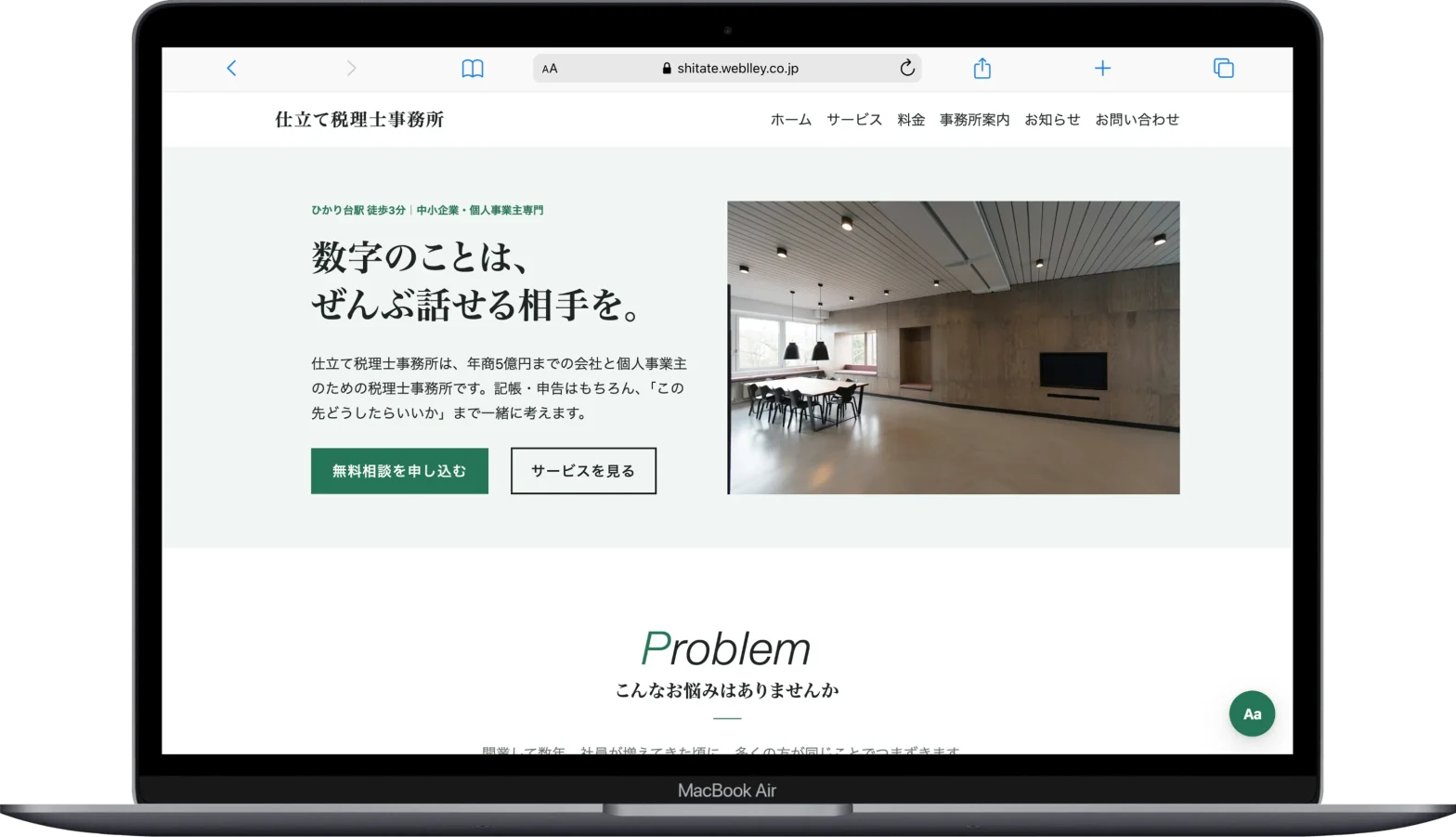
shitate This is a free block theme designed specifically for full site editing, based on the "narrow down your choices" concept I wrote about in this article. It generates 8 levels of text size and spacing from a single baseline character size, automatically adjusting the colors accordingly. You can get it from the official WordPress directory.

shitate About the specifications / The WordPress.org theme page
